1
/
of
6
Trueque
Trueque Wireless Mouse for Laptop, 2.4GHz Ergonomic Computer Mouse with Back & Forward Buttons, 3 Adjustable DPI Levels, 6 Buttons, Optical USB Cordless Mice for Windows Chromebook MacBook PC (Gray)
Trueque Wireless Mouse for Laptop, 2.4GHz Ergonomic Computer Mouse with Back & Forward Buttons, 3 Adjustable DPI Levels, 6 Buttons, Optical USB Cordless Mice for Windows Chromebook MacBook PC (Gray)
Regular price
$20.99 USD
Regular price
Sale price
$20.99 USD
Shipping calculated at checkout.
Quantity
Couldn't load pickup availability
Overview
- Brand : Trueque
- Color : Gray
- Connectivity Technology : USB
- Special Feature : Back & Forward Buttons, Ergonomic Design, 3 DPI (800/ 1200/ 1600), Lightweight, Portable, Wireless Back & Forward Buttons, Ergonomic Design, 3 DPI (800/ 1200/ 1600), Lightweight, Portable, Wireless
- Movement Detection Technology : Optical
About this item
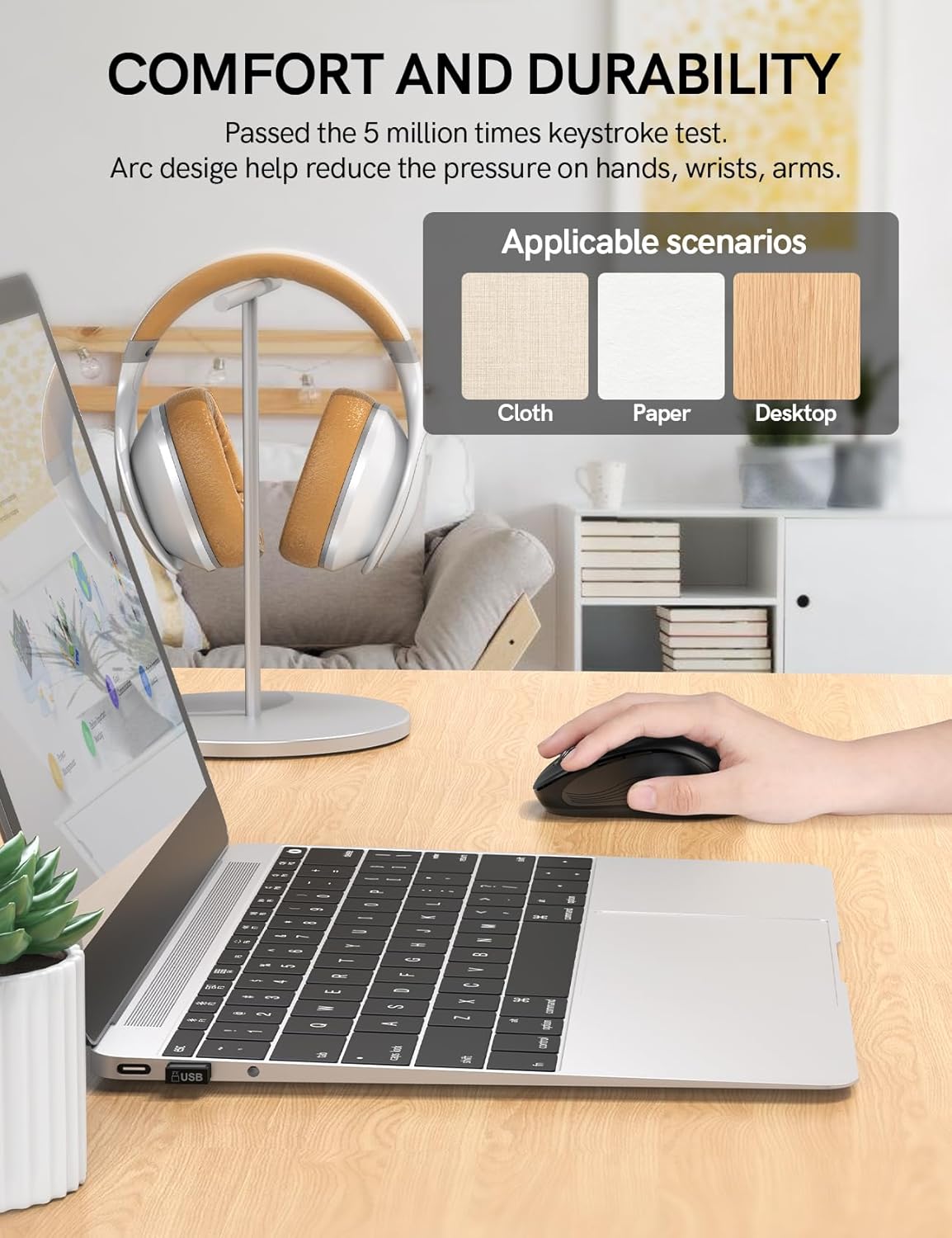
- ERGONOMIC DESIGN – ALL-DAY COMFORT: Designed with a natural curved shape that fits your hand's contours, this wireless mouse features a skin-friendly silicone grip to minimize thumb and wrist strain. Perfect for extended use at work, gaming sessions, or travel—comfort that lasts.
- 6 BUTTONS & 3 DPI – MAXIMUM EFFICIENCY: Boost productivity with 6 responsive buttons, including forward/back shortcuts. Adjust sensitivity on the fly with 3 DPI levels (800/1200/1600), backed by 50 million keystroke tests for precision and durability.
- PLUG & PLAY – STABLE 2.4GHZ CONNECTION: No drivers needed! Just plug the USB receiver (stored inside the mouse) for instant lag-free wireless performance up to 33 feet. Enjoy seamless scrolling and clicking—anytime, anywhere.
- 16-MONTH BATTERY LIFE – AUTO-SLEEP MODE: A single AA battery lasts up to 16 months—thanks to smart auto-sleep mode (activates after 1 minute of inactivity). Double-click any button to wake it up instantly.
- UNIVERSAL COMPATIBILITY – WARRANTY & SUPPORT: Works flawlessly with Windows, Mac, Linux, Chrome OS, and more—includes a free USB-A to USB-C adapter for modern devices. Backed by a 12-month warranty and dedicated 24/7 customer support. If you have any questions, feel free to contact us—we're here to help!
- RE-PAIRING INSTRUCTIONS: If connection fails, simply press and hold the left button, right button, and scroll wheel simultaneously for 3 seconds to reset pairing. The mouse LED will flash rapidly when ready to reconnect.
Share